Your coding agent shouldn’t be the only one checking its work.
checkmyapp checks your deployed app on its own, walks the journeys that matter, and brings the evidence back to your agent.
A real case · our own app, JobLander · daily watch run #332, Oct 6, 2026
Sign-in said OK. The user was stuck on /login.
Sign-in request succeeded
200 OKThe app’s sign-in request answered 200 and created a session.
The user stayed on the login page
FAILED /
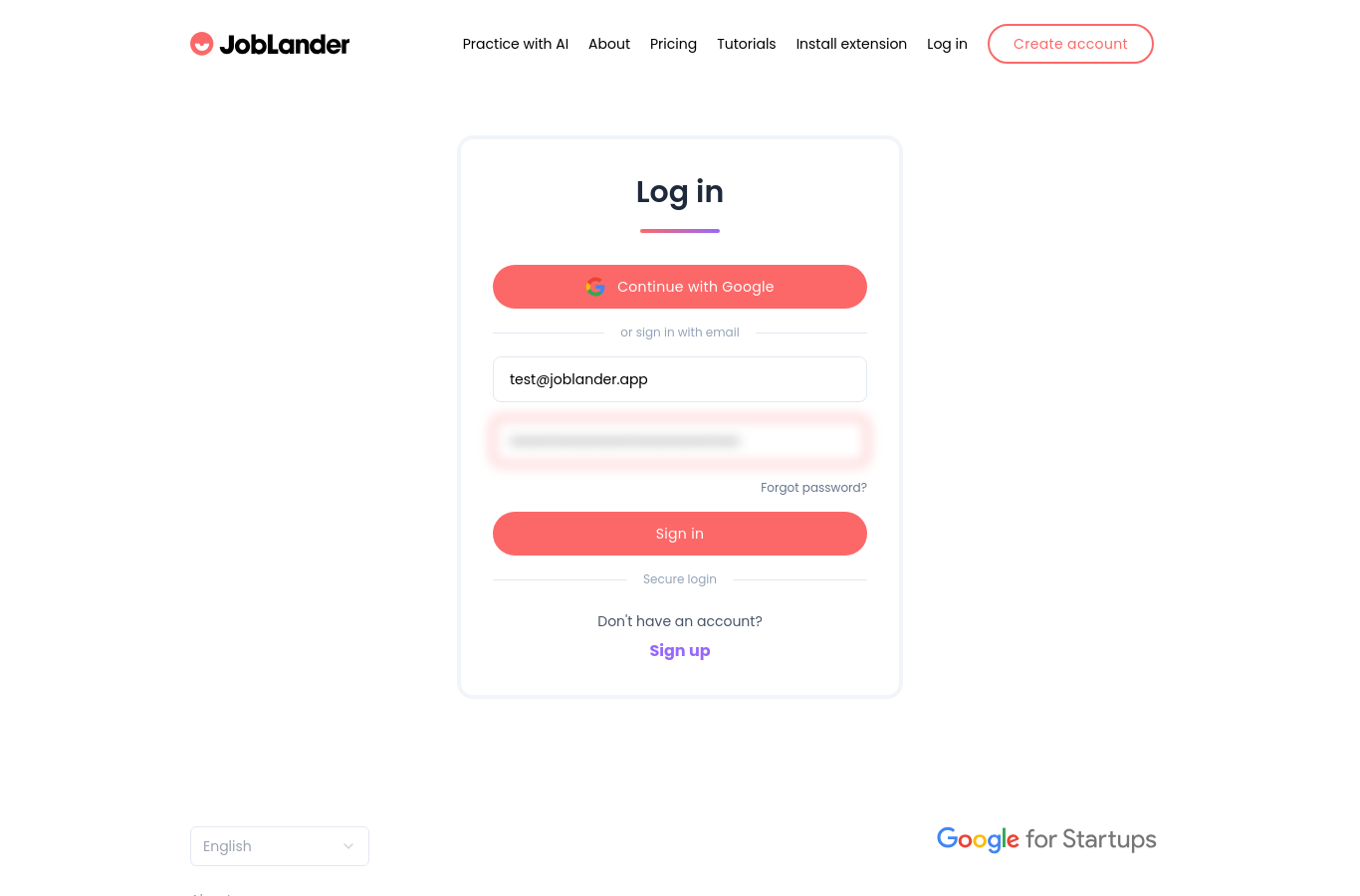 /login?back=/practice
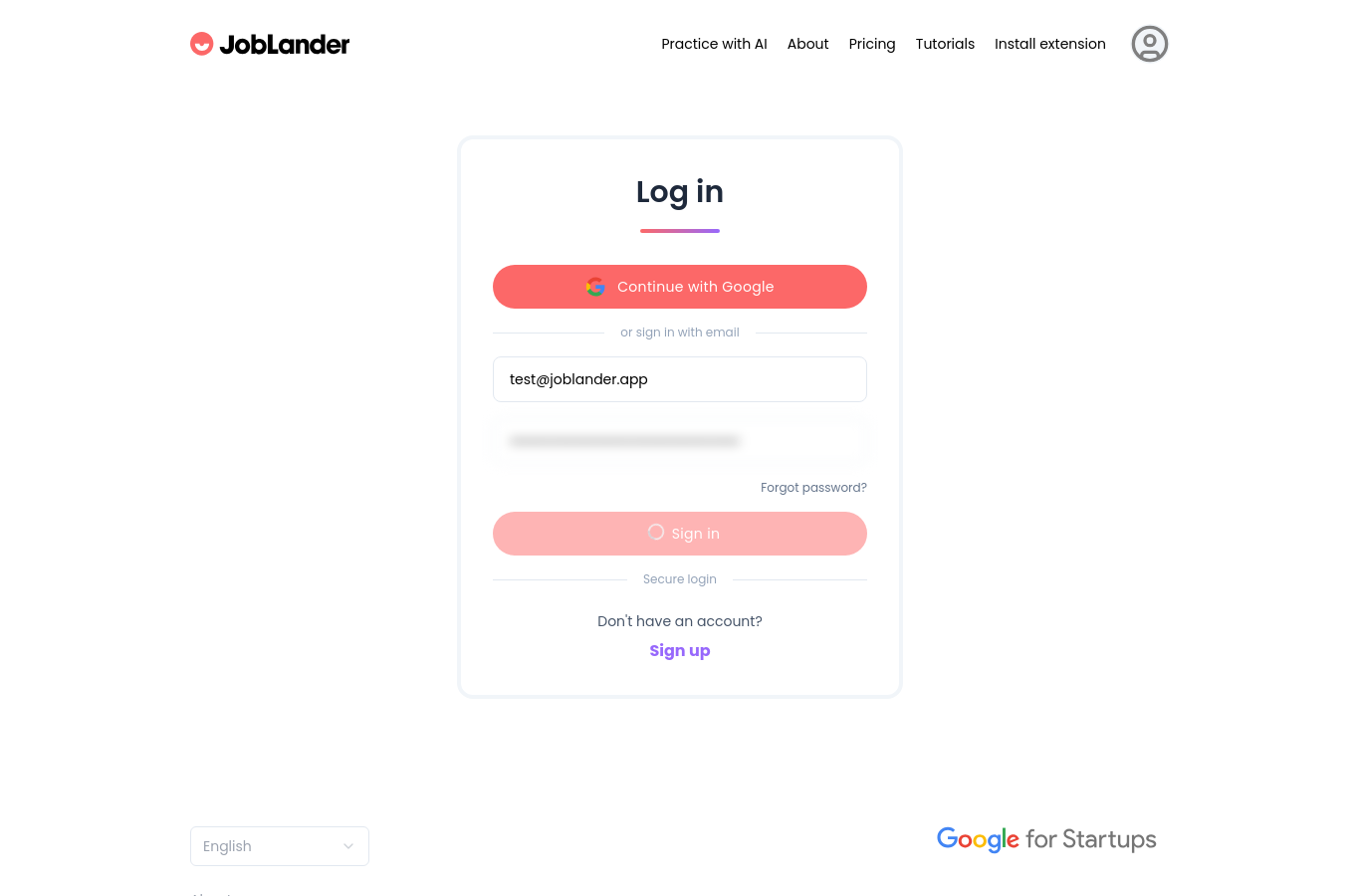 /login
Signed in, but the page never left /login. Practice opened only by typing the URL. checkmyapp walked it as a user and failed the journey.
Authentication succeeded. The expected redirect did not happen. The fix was merged in PR #349, 2 h 29 min after the check reported it.
Builders who ship with agents already know this
One founder’s fix: write down what success looks like before the work starts, then have a separate agent check every point, with evidence. checkmyapp is that separate check — run outside your agent’s session, on the app your users actually get.
From public discussions of the problem — not checkmyapp customers.
Why you can trust the result
A separate run, on the live app
We open your deployed build the way a visitor would, apart from your agent’s session. The result is what happened there — not what the code or the agent says should happen.
Your agent can’t mark anything as passed
It hands over the journeys that matter. Whether each one passed is decided only by walking it in the browser — the agent has no way to set a result.
Evidence you can open
Every report links to the steps, screenshots and build it came from, and lists what was checked and what wasn’t.
Your agent still does the fixing.
checkmyapp runs separately and keeps the report. Your agent reads it — while it works, or the next time it connects — and fixes what broke.
Or run this in your terminal, for Claude Code:
claude mcp add --scope user --transport http checkmyapp https://checkmyapp.dev/mcp